How Lockeroo Works
Digital locker booking via mobile in a few simple steps. Guests book directly via QR code - no app required.

6 simple steps
From scan to open locker
Find an available locker
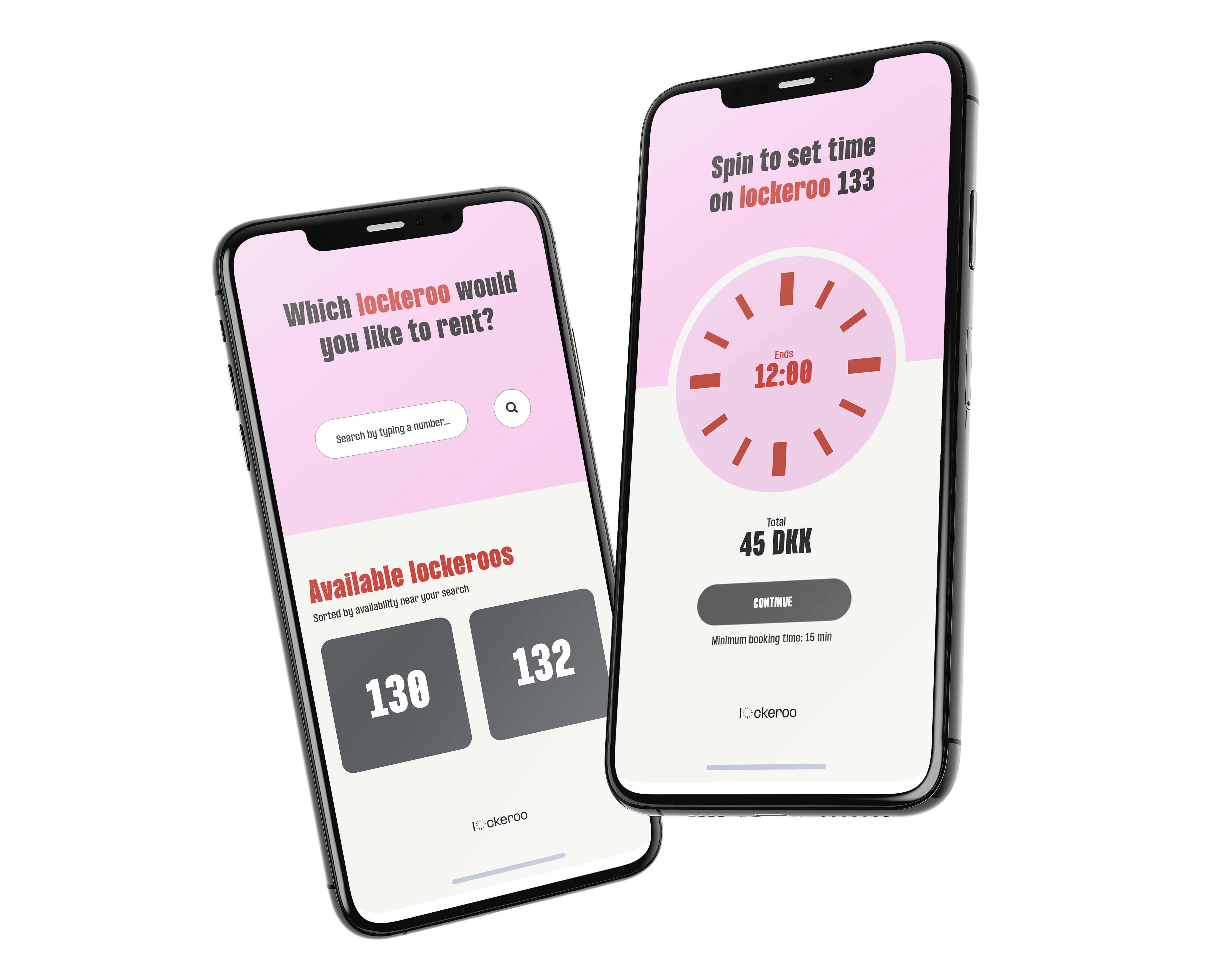
Guest scans the QR code and sees available lockers
Book via mobile
Booking takes place directly in the browser
Select time period
Guest selects the desired booking time
Pay digitally
Payment is made with card and possibly MobilePay
Get access
Locker opens via mobile or code
Extend if needed
Booking can be extended digitally if needed
Find an available locker
Guest scans the QR code and sees available lockers
Book via mobile
Booking takes place directly in the browser
Select time period
Guest selects the desired booking time
Pay digitally
Payment is made with card and possibly MobilePay
Get access
Locker opens via mobile or code
Extend if needed
Booking can be extended digitally if needed
Why This Works So Well
Our streamlined process ensures a smooth experience for both guests and venue staff
No app required
Guests book directly via QR code in their browser.
Digital confirmation
Guest receives booking information after completed payment.
Flexible extension
Booking can be extended digitally if needed.
Digital payment
Payment is handled via Stripe and possibly MobilePay.
Usage overview
Venue can manage lockers and see usage in the system.
Self-service
Guests handle booking and access without staff assistance.
See It In Action
From QR scan to open locker in under 30 seconds
Ready to Get Started?
See how Lockeroo can be used for digital locker booking